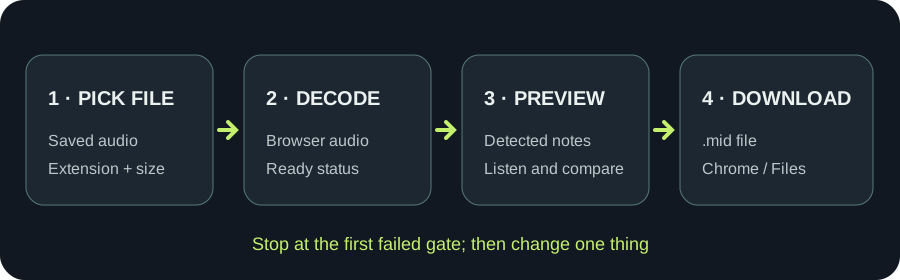
PICK THE FILE
Use the saved audio file, not its name alone
Tap the upload area and select one actual MP3, WAV, M4A, FLAC, or OGG file from the phone's picker. The page checks the extension and size first. It then calls the browser's audio decoder on the full file. An accepted extension is therefore only the first gate; a file with an unsupported encoding can still fail to open. MDN's decoder reference explains this browser step.